Features
Fresh Data Without the 2 a.m. Mistake
Cloning databases by hand means juggling dump commands, tunnels and credentials — and one wrong host can overwrite the wrong server. MySQL Cloner does it in a guided wizard and refuses the dangerous cases.
Remote Databases Are Never Overwritten
A remote destination must not exist yet or be completely empty — no tables, views, routines, triggers or events. If anything is there, the clone is blocked and the objects are listed. There is no force option, and MySQL Cloner never drops a remote database.
Replace Local Copies, Deliberately
Refreshing your local database from production is one wizard. Replacing existing data needs the database name typed out, an acknowledgement and a final confirmation, with an optional backup first. The source is exported and verified before anything is deleted.
Local Means Really Local
Pointing at 127.0.0.1 isn’t enough. A destination only counts as local if MySQL Cloner can see a MySQL server process on your Mac serving that port or socket — an SSH tunnel, Docker port or VPN on localhost is treated as remote.
Local, Direct or Through SSH
Save profiles for local MySQL, direct TCP and SSH tunnels with agent, key or password authentication. Unknown SSH host keys need your approval and changed keys are refused. Passwords live in the macOS Keychain, never in plain text.
Every Statement Checked
Imports don’t pipe a dump into a shell. Each statement is checked before it runs: it can only create objects in the database you chose and fill tables it created, so a dump can’t switch databases, drop tables or grant privileges.
Validated Before, Verified After
Preflight checks cover connections, permissions, versions, disk space and destination safety, and the destination is checked again right before import. Afterwards every table’s row count and every view, routine, trigger and event is compared with the export.
Progress and History
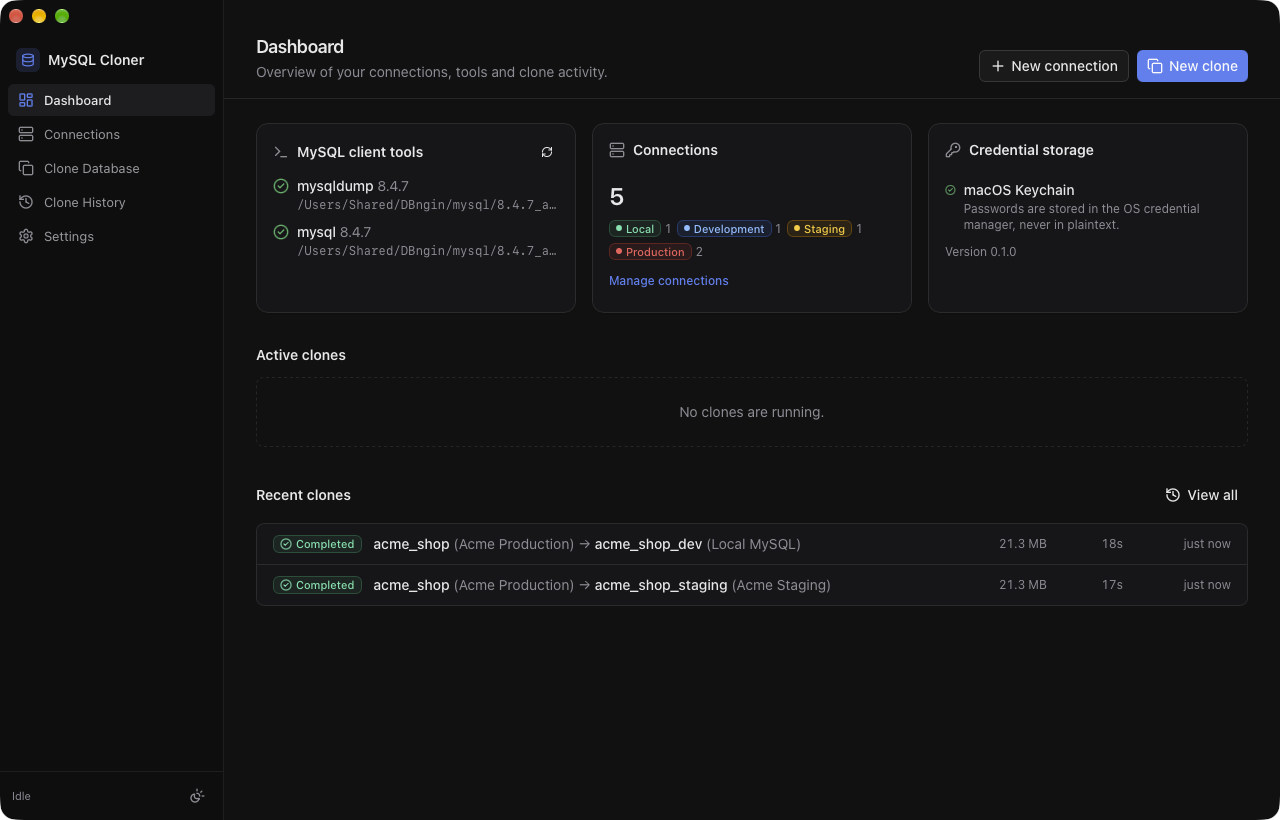
Follow each stage live: connecting, exporting, verifying, importing and checking the result. Every clone is kept in a history with timestamped logs, checksums and copyable error details. Cancel safely at any time.
Fast and Faithful
Exports use mysqldump with a consistent snapshot, streamed straight to a compressed, checksummed file. Routines, triggers, events, views, foreign keys, collations and auto-increment values all come across.
Updates Itself
MySQL Cloner checks for new versions once a day and asks before installing — and never in the middle of a clone. Every update is signed, and verified before it replaces the app.
Built with Tauri and Rust for macOS 11+ (Apple Silicon). Signed and notarized. Requires the MySQL client tools (mysqldump).