Desktop App
S3 · R2 · MinIO
S3Dock
A fast, native-feeling file browser for Amazon S3 and every S3-compatible service — with reliable multi-gigabyte transfers and your keys kept in your system keychain.
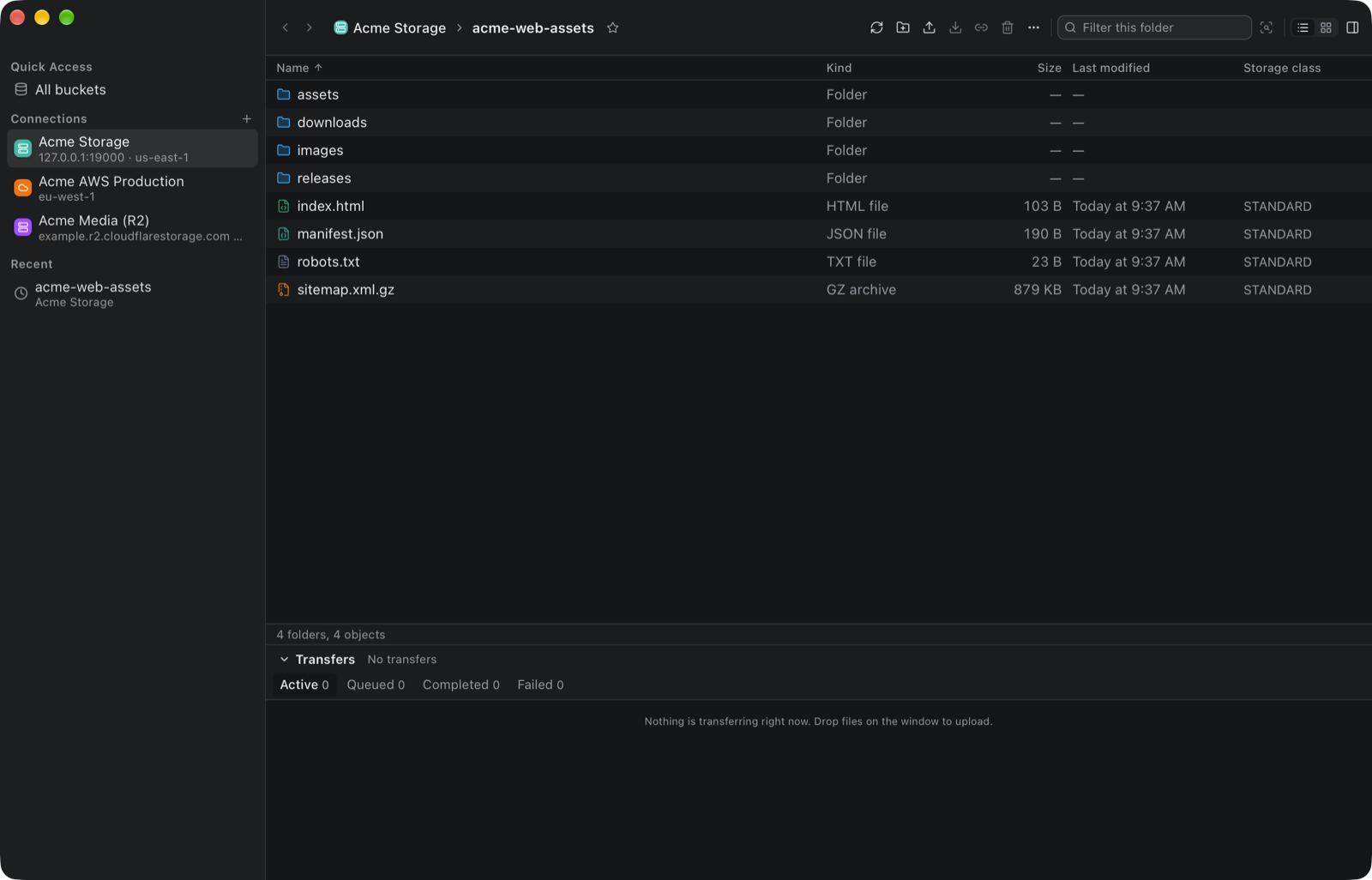
A fast, native-feeling file browser for Amazon S3 and every S3-compatible service — with reliable multi-gigabyte transfers and your keys kept in your system keychain.
Features
Stop juggling the AWS console and CLI for everyday file work. S3Dock connects to all your storage accounts and makes browsing, moving and sharing files quick and safe.
Amazon S3, Cloudflare R2, MinIO, Backblaze B2, Wasabi, DigitalOcean Spaces and self-hosted servers. Bucket regions are discovered automatically, and path-style endpoints just work.
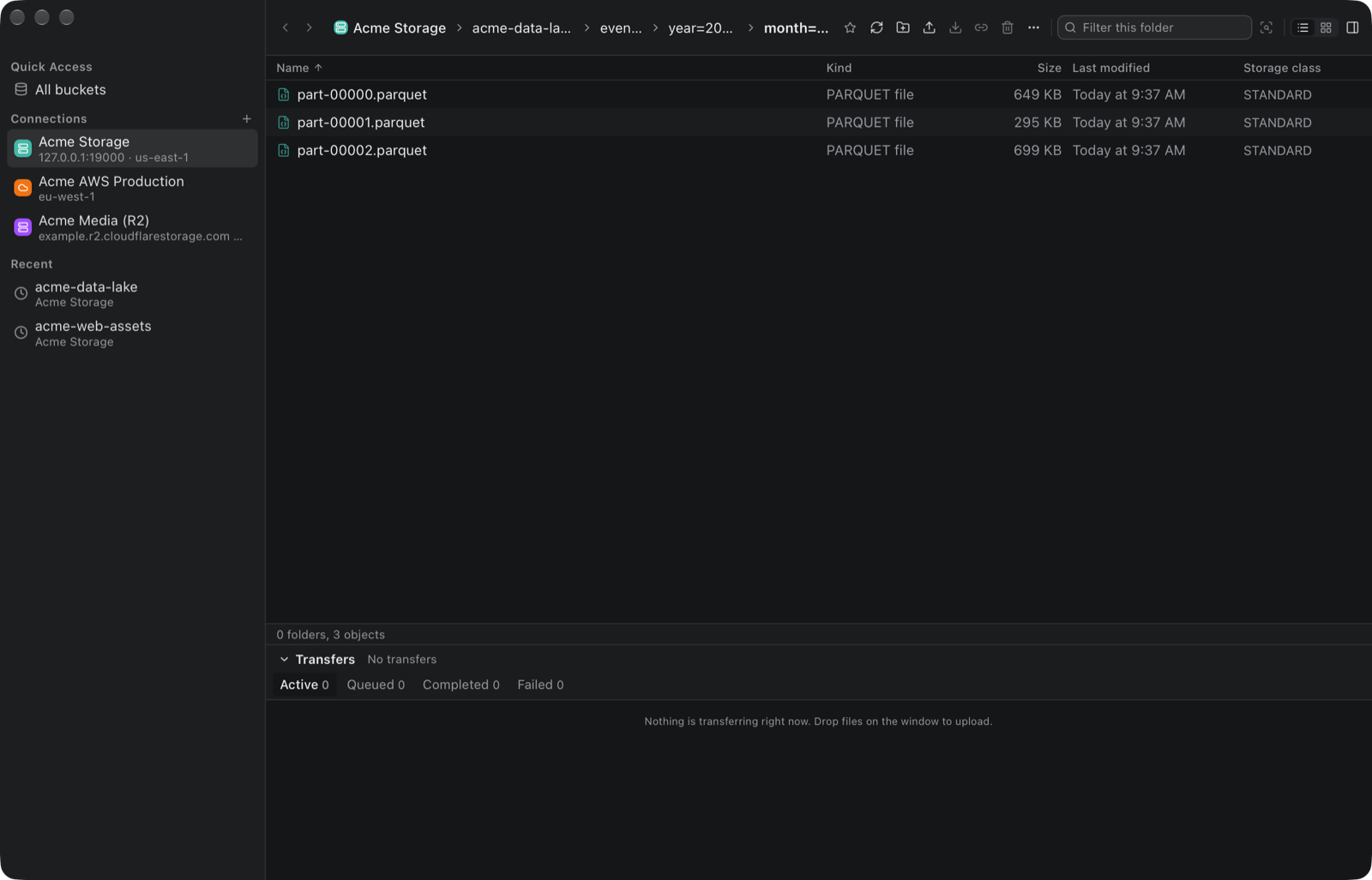
Folders load page by page into a virtualized list, so a prefix with hundreds of thousands of objects stays responsive. Sort, filter, switch to a grid, and go back and forward like Finder.
Upload and download files and whole folders with streaming multipart transfers, a concurrent queue, live progress, speed and ETA, automatic retries and cancellation. Multi-gigabyte files use only a few megabytes of memory.
Keys live in the macOS Keychain, Windows Credential Manager or the Linux Secret Service, and never touch S3Dock’s database, settings or logs. Use access keys, temporary credentials, AWS CLI profiles, IAM Identity Center (SSO), AssumeRole or the default credential chain.
Share connection settings as .s3dock.json without secrets, back everything up to a password-encrypted .s3dock.enc, or import your profiles straight from the AWS CLI.
Create presigned download and upload links with an expiry, preview text, JSON, code, images and PDFs, and view or edit metadata, storage class, encryption and checksums.
Rename, copy, move and delete files and folders. Moves copy and verify before deleting, recursive deletes show exactly what will be removed, and versioned buckets are explained before you confirm.
Connection tests understand bucket-scoped IAM policies, so a key that cannot list every bucket still works. Set a default bucket or open one by name.
No account, no hosted backend, no telemetry. S3Dock talks directly to your storage, TLS is always verified, and updates are signature-checked before they install.
Built with Tauri and Rust for macOS 11+ (Apple Silicon), Windows 10+ and Linux (x64).
Screenshots
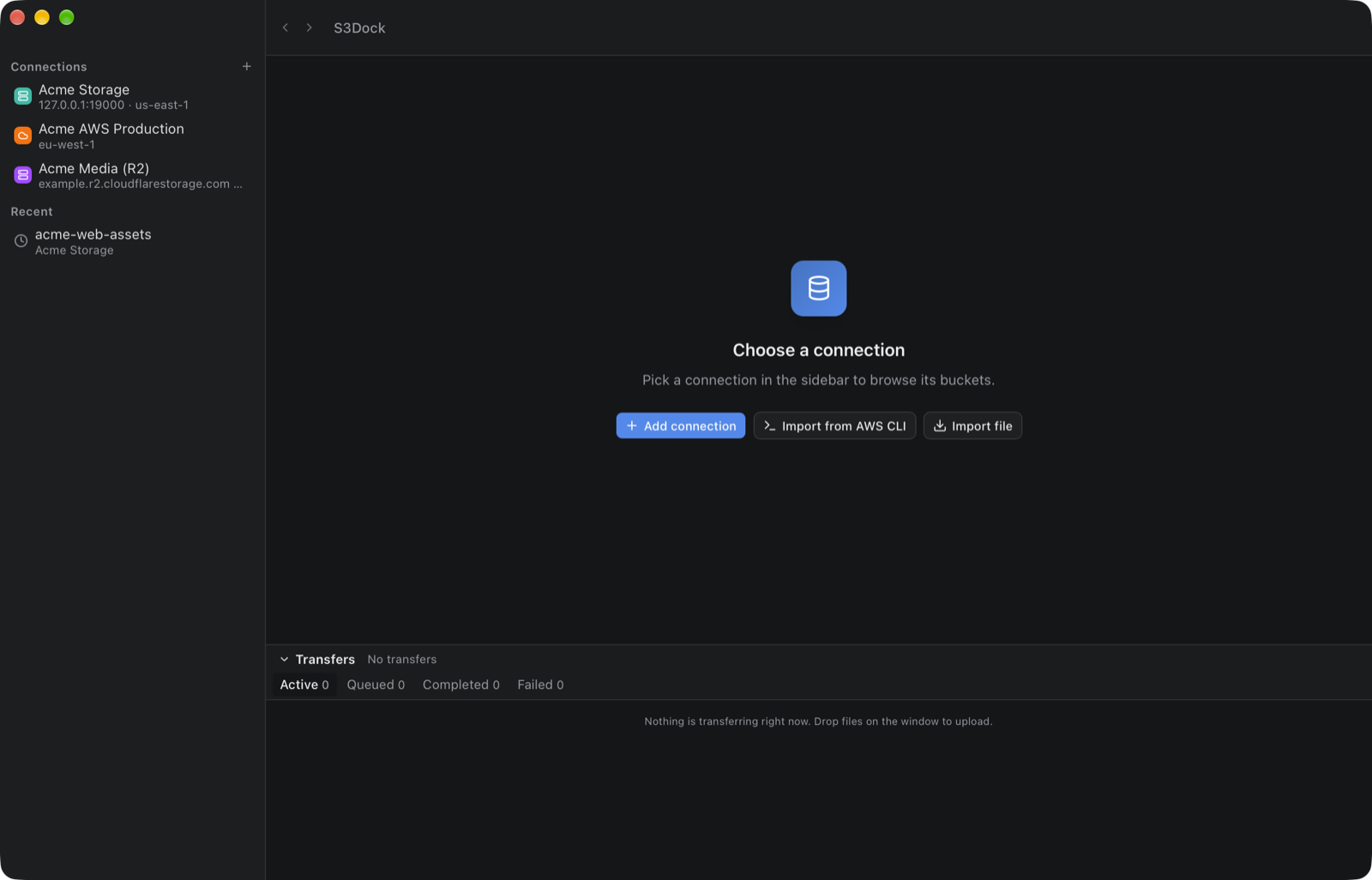
Captured from the app against a local test server with made-up Acme sample data.
Getting Started
Click Add connection, pick the service and how you sign in, and enter the region (and endpoint for S3-compatible services). Already use the AWS CLI? Import your profiles instead.
Test connection checks the credentials and what they can see. Keys that are limited to one bucket work too: set a default bucket or open it by name.
Open a bucket, drop files or folders onto the window to upload, and follow progress in the transfer panel. Download, copy, move or share any file from its context menu.
S3Dock checks for signed updates at startup and installs them only when you choose to.
Download
Free for macOS, Windows and Linux, with built-in signed updates.
M1–M4 chips · macOS 11+
.dmg ↓Windows 10 and 11
.exe ↓Most x64 distributions
.AppImage ↓Ubuntu 22.04+ / Debian 12+
.deb ↓The macOS app is signed and notarized by Apple. The Windows installer is not code-signed yet, so SmartScreen may ask you to confirm (More info → Run anyway). Every in-app update is signature-checked on all platforms.
We design and build desktop apps, internal tools and developer tooling for startups and enterprises.